How to Create Blog Content That Ranks on Google
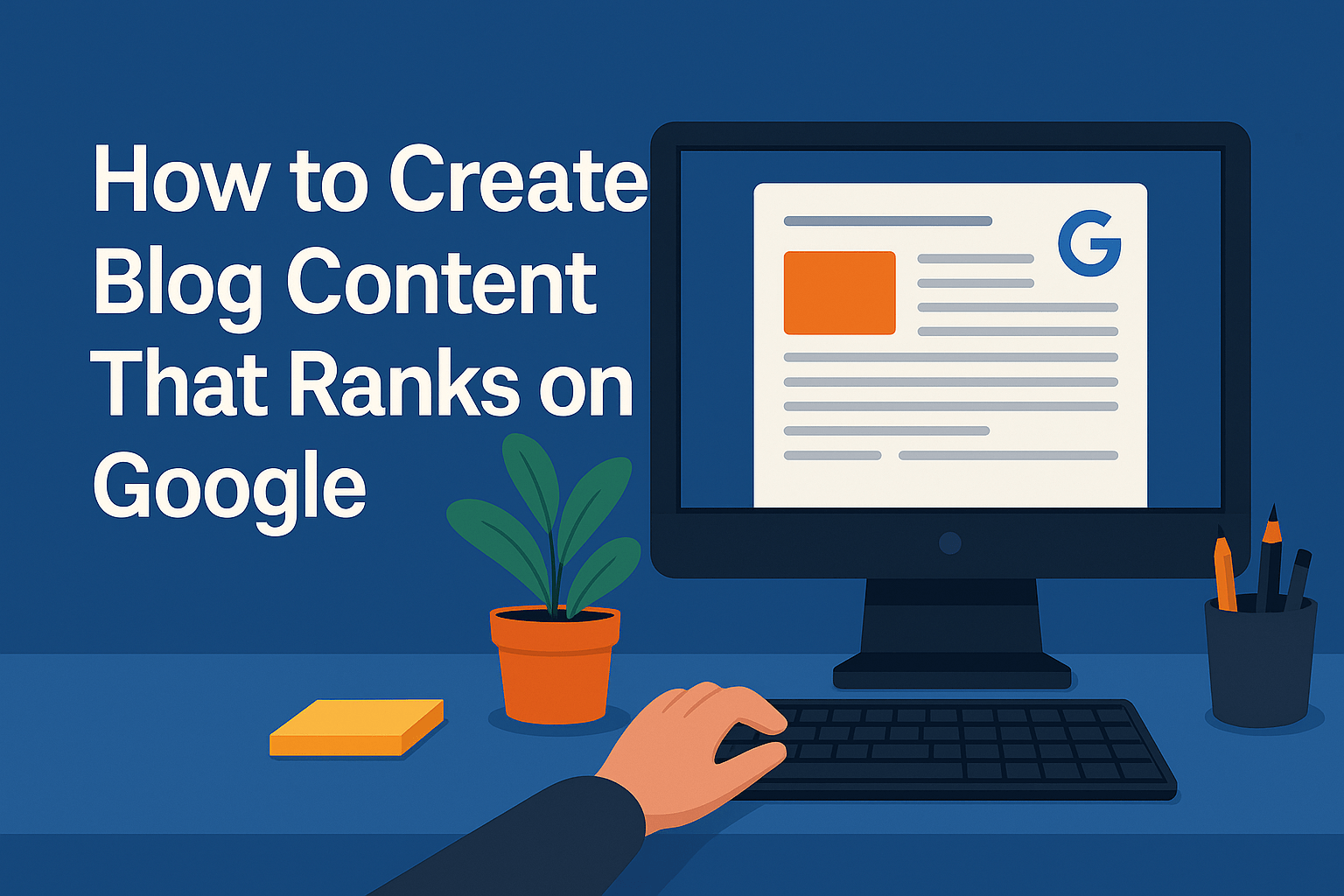
How to Create Blog Content That Ranks on Google
What It Really Takes to Rank on Google in 2025
Getting your blog post to rank on Google isn’t about luck or magic — it’s about following a clear structure that aligns with how Google’s algorithm works today, not three years ago.
If you’re a creator, business owner, or freelancer, mastering this skill means you can drive organic traffic, build trust, and generate conversions without relying on ads.
Let’s break it down.
1. Start with Search Intent — Not Just Keywords
In 2025, Google prioritizes search intent above everything.
That means before you write a single word, ask:
“What is the user really looking for when they type this query?”
For example:
- Someone searching “best budget camera for YouTube” wants product suggestions, not camera specs.
- A search like “how to start a blog” calls for step-by-step guidance, not a history lesson.
Matching content to search intent (informational, transactional, navigational) is step one.
2. Find the Right Keywords (the Smart Way)
Keyword research still matters — but not in the old-school “stuff it everywhere” way.
Instead:
- Focus on 1 primary keyword that defines the topic
- Identify secondary keywords: related phrases, synonyms, and long-tail variations
- Use tools like Google Suggest, People Also Ask, or free tools like AnswerThePublic or Ubersuggest
Example:
If your post is about “how to make a blog,” secondary keywords might include:
- start a blog in 2025
- blogging for beginners
- how to set up WordPress
- blog content ideas
3. Structure Your Content for Readability and SEO
Google rewards content that’s easy to read and well-structured.
Basic checklist:
- Use H1 for the title, and H2/H3 for subheadings
- Break text into short paragraphs (2–4 lines max)
- Use bullet points, tables, and visuals to add clarity
- Highlight key phrases naturally in the text — don’t force it
Also, always include:
- A strong intro (hook + preview of the value)
- A clear conclusion
- Strategic use of your main keyword in the title, first 100 words, and a few headers
On-Page SEO Essentials and Article Structure
4. How Long Should Your Blog Post Be?
There’s no “perfect” word count, but here’s the truth in 2025:
- Short posts (300–500 words) rarely rank — unless they target ultra-specific keywords with no competition.
- Medium-length posts (800–1200 words) are good for general topics or beginner-level guides.
- Long-form content (1500–2500+ words) performs best for in-depth topics, comparisons, or how-to guides.
💡 Aim to be the most useful resource on the first page. That usually means more depth than your competitors — not more fluff.
5. Master Your On-Page SEO Basics
Every page should be optimized with the foundational elements Google crawls first:
Meta Title
- Include your primary keyword
- Stay under 60 characters
- Make it click-worthy
Example:
“How to Start a Blog in 2025 (Step-by-Step Guide for Beginners)”
Meta Description
- Under 160 characters
- Summarize the post’s value clearly
- Include a call to action if relevant
Example:
Learn how to start a blog in 2025 with this step-by-step guide. Perfect for beginners looking to grow fast on Google.
URL Slug
- Keep it short and relevant
- Use hyphens
- Example:
yourdomain.com/start-a-blog
Header Tags
Use headers logically:
- H1: Your article title
- H2s: Main sections
- H3s: Subpoints within each section
Don’t use H1 more than once — it’s the primary signal for your post’s topic.
Image Optimization
- Compress all images (WebP or compressed JPEGs)
- Add alt text with relevant keywords
- Rename files descriptively (e.g.,
seo-blog-strategy-2025.webp)
Images are important not just for visuals but also for accessibility and image search rankings.
Internal & External Links
- Link to related posts on your site (at least 2–3)
- Link to reputable external sources to support data (but don’t overdo it)
Google sees good linking as a sign of trust and context.
Publish, Measure, and Improve Over Time
6. What You Do After Hitting Publish Matters
Publishing your article is just the beginning. Google doesn’t instantly rank content — it watches how users react to it.
To increase your chances of ranking, do this after publishing:
- Submit the URL to Google Search Console for faster indexing
- Share on social media and relevant forums (Reddit, Quora, Facebook groups)
- Link to it internally from older related articles on your site
- Send it to your email list (if you have one)
The more initial visibility it gets, the faster Google will evaluate its performance.
7. Understand User Signals (They Matter More Than You Think)
Google uses behavioral data to rank pages. These are called user signals.
Key ones include:
- Click-through rate (CTR): Are people clicking your article in the search results?
- Time on page: Do readers stay and scroll, or bounce after 5 seconds?
- Bounce rate: If users return to Google too quickly, your article might not match intent.
- Dwell time: How long do they stay before exiting or taking action?
To improve those signals:
- Start with a strong first paragraph
- Use engaging subheadings to keep attention
- Add visuals and examples that make the content easier to digest
- Avoid large text blocks — make it scannable
8. Update Old Content Regularly
Google loves fresh, up-to-date content. A well-maintained article often outranks a newer but shallow one.
Every 6–12 months:
- Revisit your top blog posts
- Add new stats, update screenshots, fix broken links
- Improve clarity and depth where needed
Make sure to change the “last updated” date if your theme supports it. This can boost both user trust and CTR.
9. Consistency Beats Perfection
If you want long-term SEO results, don’t publish one perfect post and stop. Build a library.
Aim for:
- One quality article per week or month
- Topics that cluster around your expertise (this builds topical authority)
- Interlinking posts so Google understands your site’s structure and relevance
Even a small site can outrank big brands if the content is more useful and better aligned with search intent.
Blogging for SEO Is About Strategy, Not Just Writing
Creating blog content that ranks on Google in 2025 isn’t about tricks — it’s about understanding what users want and delivering it better than anyone else.
If you focus on:
- Matching search intent
- Structuring your posts for clarity
- Writing with depth, not fluff
- Optimizing technical elements (title, meta, links, etc.)
- Keeping your content updated
Then ranking becomes less of a guessing game — and more of a system you can build on.
Consistency is key. One strong article won’t transform your site, but ten well-targeted, SEO-optimized pieces can build real momentum.
Start simple, improve over time, and let quality speak for itself !